Google just rolled out another update to the Phone app on Android, and it directly changes whether Phoenix customers trust the call coming from your business number. That is what the latest google update means for your phone ringing in Phoenix: caller ID, spam labels, and call screening now lean harder on the same signals we manage through local SEO services.
By Brotherly SEO Team
Why Phoenix Business Owners Should Care About This Android Update
Most of the phone calls a Phoenix HVAC company, dentist, roofer, or auto shop gets today come through an Android device. Every time Google pushes an update through the Google Play Store to the stock Phone app, it changes how those calls look and feel before a customer ever answers.
Android still runs the majority of phones across the Phoenix market, and Google controls both the operating system and the default calling app on most of those devices. That combination means a single update, delivered quietly to millions of users through the Play Store, can change answer rates for thousands of local businesses overnight. Nobody asked for the change. It just showed up on the home screen one morning, folded into routine app updates most people never read, and rarely covered as local news.
Home services, legal, dental, and medical offices feel this first, because so much of their new business still arrives as an actual phone call instead of a form fill. A dentist running Google Ads and a roofer relying on referrals are both exposed to the same update in exactly the same way.
What Actually Changed in the Google Phone App
The Google Phone app has picked up several new features over the last few update cycles, and the latest one bundles a handful of smaller changes into one noticeable shift in how calls get labeled and screened before they reach a live person.
Verified Calls and Business Caller ID
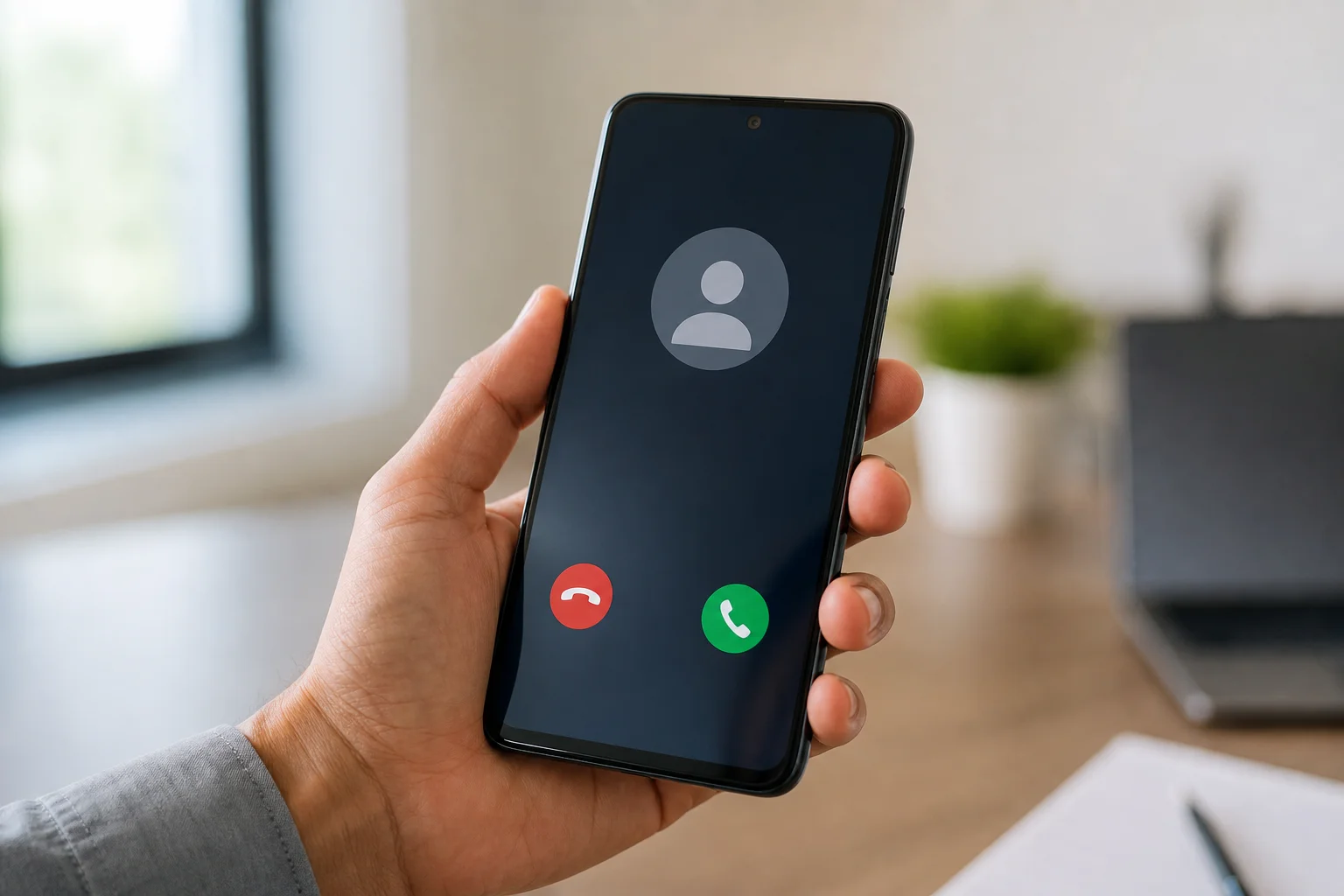
When your Google Business Profile is claimed, verified, and kept current, the Phone app can now display your business name, logo, and even a short reason for the call, sourced straight from the profile a customer was likely searching around when they picked up the phone. Without that verification, the same call arrives as a bare ten digit number, and plenty of Android users have their settings tuned to silence anything that is not already saved as a contact.
Circle to Search and Spam Protection
Google also tightened the spam detection layer sitting behind every incoming call, aiming to cut down on spam calls before they ever finish a first ring. The update folds a lighter version of Circle to Search, sometimes just shortened to Circle Search, into the call and message history screen, letting a device cross check an unfamiliar number against public information in the background. A number with no verified business record, thin call history, or a pattern that matches known spam campaigns is more likely to get flagged as suspected spam, security features working exactly as designed, just not necessarily in your favor. Android's Messages app picked up a similar spam filtering bump around the same time, so none of this is limited to phone calls alone.
What the Latest Google Update Means for Your Phone Ringing in Phoenix Right Now
Here is the direct answer. What the latest google update means for your phone ringing in Phoenix is this: your business phone number is now judged the same way a webpage is judged, on trust signals Google can verify, not just on the digits themselves. If your Google Business Profile is thin, unclaimed, or inconsistent with what is listed elsewhere online, your calls are more likely to land quietly in a spam folder, get silenced by default, or show up as an unknown caller that a busy homeowner will not risk answering.
For a Phoenix plumber during monsoon season, an electrician fielding emergency calls, or a med spa booking same day appointments, that is not a minor inconvenience. It is a new, invisible gatekeeper sitting between your marketing spend and your front desk, and it is available to every Android user whether their phone is brand new or a hand me down device three years old.
How Your Google Business Profile Feeds This System
The Phone app does not pull caller information out of thin air. It draws on the same underlying business data that feeds your Google Business Profile, your Knowledge Panel, and increasingly the AI generated answers now showing up inside search results. That is the same data layer we work on through generative engine optimization, because the systems deciding whether an AI overview mentions your business are close cousins of the systems now deciding whether your call gets labeled spam.
Keeping your name, address, phone number, hours, and category consistent across every listing is not busywork anymore. It is the raw material Google's phone app, search results, and Maps all draw from. A device that cannot confirm who is calling defaults to caution, and caution costs you the call. This is also why chasing a shiny new feature in isolation rarely helps: the underlying business data has to be clean first, or the new feature just has less to work with.
The Real Cost of a Call Marked as Spam
A missed call rarely feels like a big event in the moment. Over a full month, though, a business that used to answer nearly every inbound call can quietly start missing a steady handful of them each week, simply because more calls are arriving flagged, screened, or silenced by default on the recipient's device.
We have watched this pattern show up across home services, medical, and legal clients in the Phoenix area. Ad spend had not changed. Rankings had not changed. What changed was the share of calls that actually reached a live person, because the phone itself had started making decisions before anyone picked it up.
This is exactly why we treat call tracking and profile verification as part of the same job, not two separate line items. A new feature buried in a routine Android update can undo weeks of paid traffic gains if nobody on your team is watching for it, and most in house marketing setups are not built to catch a phone app change at all.
Frequently Asked Questions
Why did my business calls suddenly start getting marked as spam on Android? Google's Phone app leans on business verification data to decide whether to trust an incoming number. If your Google Business Profile is unclaimed, outdated, or inconsistent with other listings, the app has nothing solid to confirm you against, so it defaults to caution and may label the call as suspected spam.
Does this Google update affect iPhone users too? The update itself is specific to the Google Phone app on Android devices, since Google builds and controls that app directly. iPhone users are not affected by this particular change, though Apple runs its own separate spam filtering system that responds to similar underlying signals over time.
What is Circle to Search and does it matter for phone calls? Circle to Search, sometimes shortened to Circle Search, is Google's visual search tool. The latest update folds a lighter version of it into the call and message history screen, letting a device cross check an unfamiliar number or message against public information faster than it could before.
How do I know if my business is showing up correctly on the new call screen? The simplest check is to call your own business number from a phone that has never saved it as a contact. If your business name and category do not appear on the screen, your Google Business Profile likely needs verification or cleanup before the next update rolls out.
Will this update keep changing, or is it a one time thing? Google updates the Phone app, along with the rest of its core apps, on a rolling basis through the Play Store. New features tied to spam detection and caller verification have shipped several times over the past few years, and nothing about that pace looks like it is slowing down.
Let Brotherly SEO Make Sure Your Phoenix Calls Get Answered
Every Google update to the phone sitting in someone's pocket is a small test of whether your business looks trustworthy from the outside, and most owners find out they failed it only after the calls slow down. Book a free consultation and we will show you what your calls actually look like on a real Android device before you lose another one to a spam label.
Want us to do this for you?
Brotherly SEO builds and runs the strategy described here for service businesses across the country.
Book a free consultation